01Import
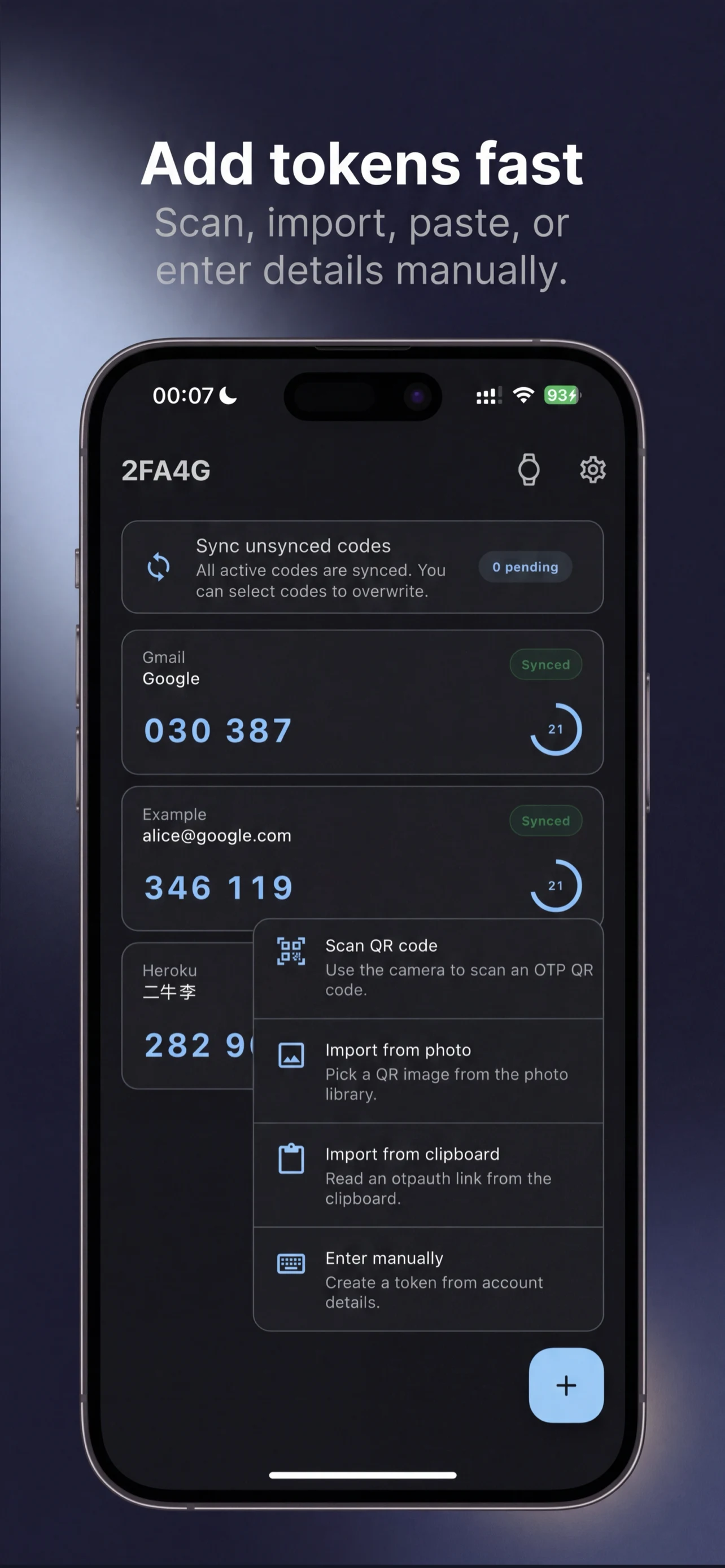
Add tokens from whichever source you already have
Scan a QR code, pull one from a photo, read from the clipboard, or enter the account details manually.
 Built for Garmin
Bring TOTP and HOTP codes to your Garmin watch. Import tokens on your phone, sync them to the watch, and view codes offline.
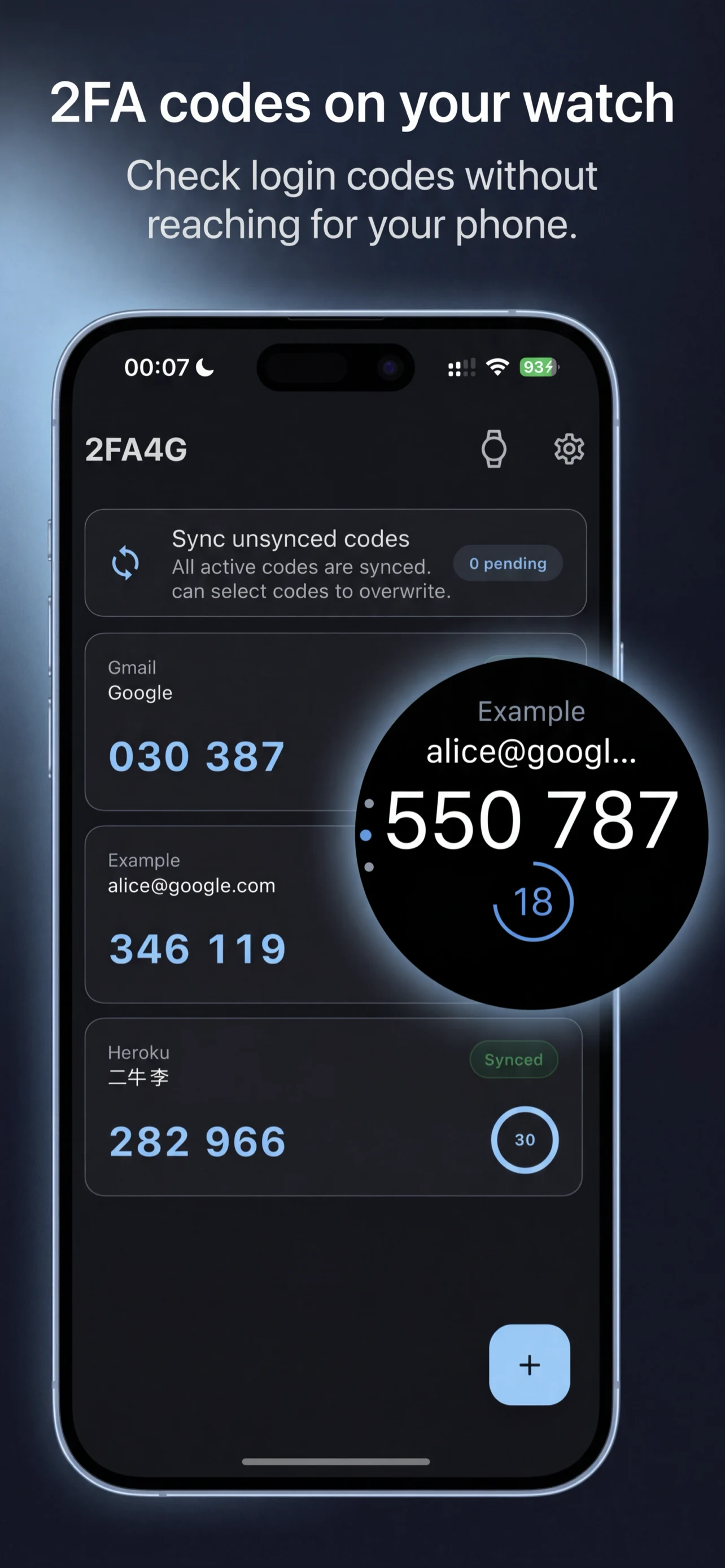
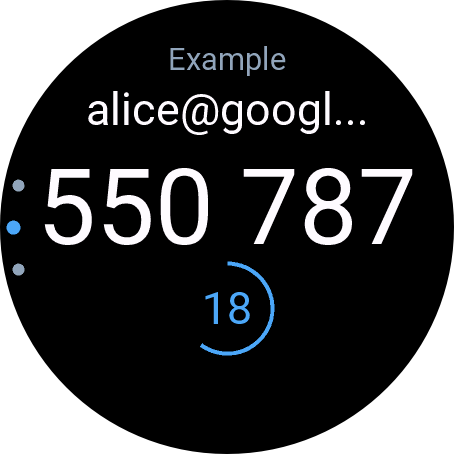
Full-screen code view on the watch
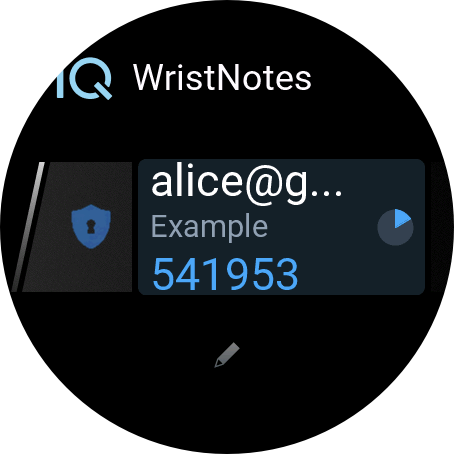
Compact glance view for quick checks
Actual Product Views
These images come from the real app flow: adding tokens, syncing a Garmin device, and choosing exactly which codes stay on the watch.
Scan a QR code, pull one from a photo, read from the clipboard, or enter the account details manually.
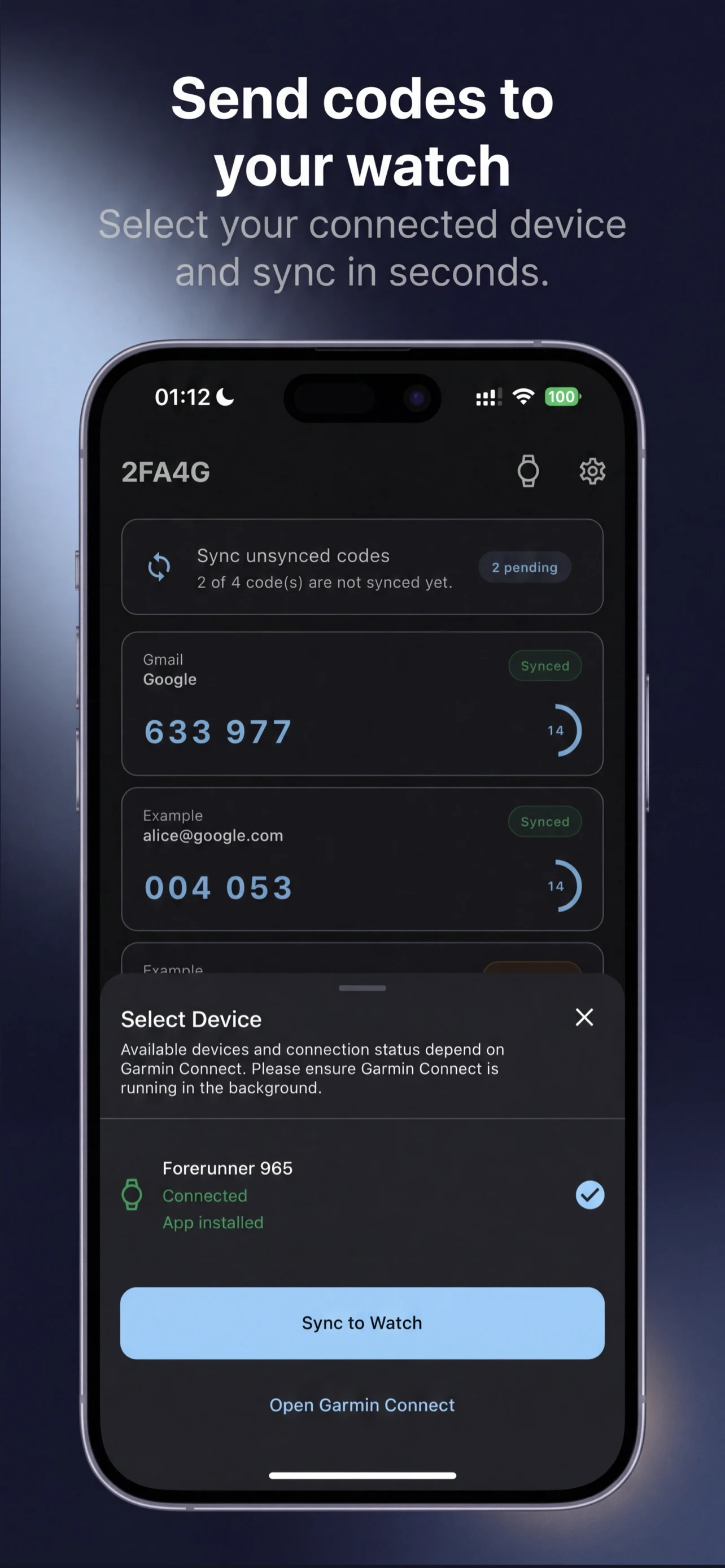
The phone app checks Garmin Connect, shows the selected watch, and starts the transfer from one focused screen.
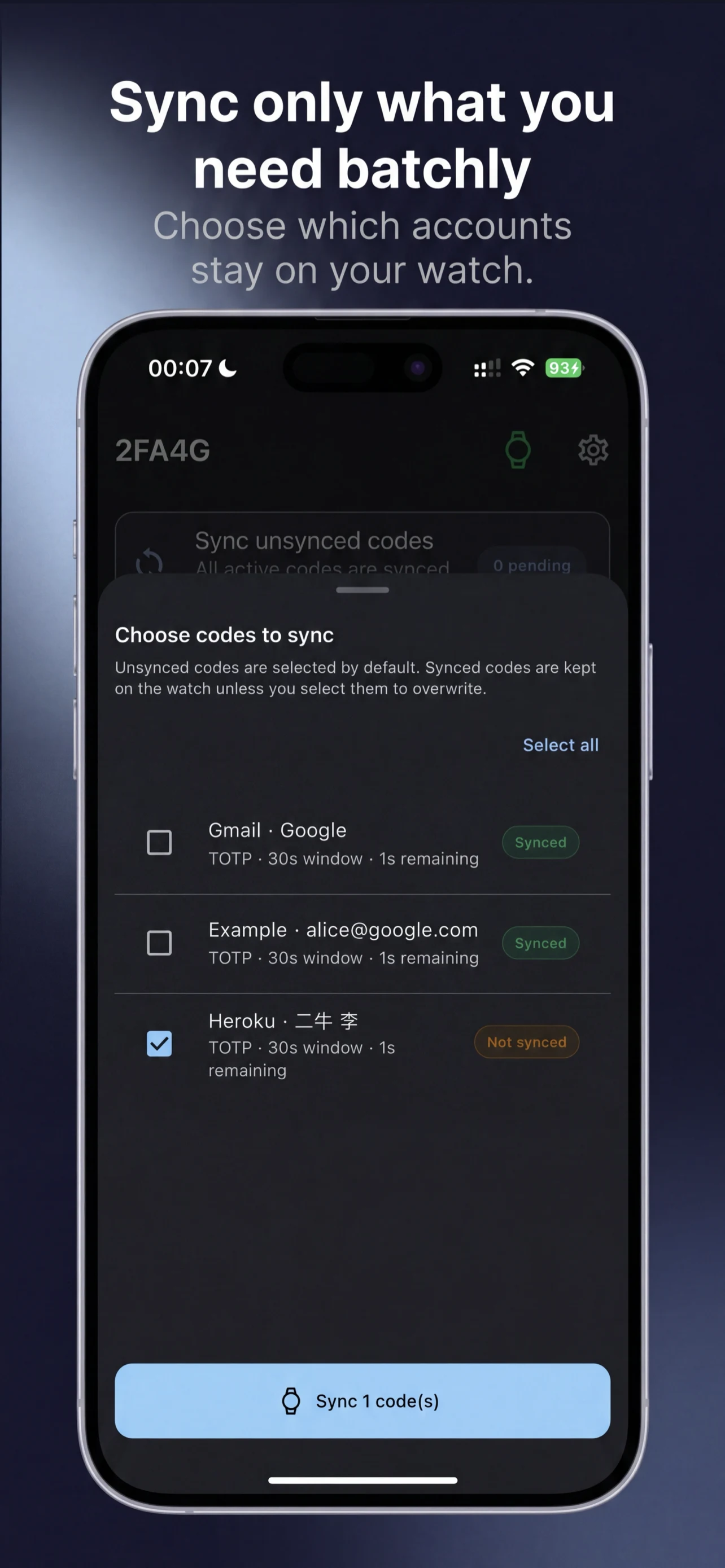
Choose specific tokens for sync so the watch keeps the codes you need most, without forcing a full vault copy.
Move active OTP tokens from your phone to your Garmin watch with a focused sync flow and device picker.
Read rotating TOTP codes and trigger HOTP counters in a layout designed for Garmin screens.
Add tokens by scanning a QR code, choosing a photo, reading the clipboard, or entering details manually.
Choose how codes are grouped, whether issuers are shown, and how deletes are confirmed.
Once synced, supported tokens remain available on the watch even when the phone is not nearby.
Use up to three active tokens for free, then upgrade when you need more storage and full-watch sync.
Answers about Garmin sync, token import, local storage, and common setup issues.
2FA4G relies on Garmin's Connect IQ Companion SDK. Garmin Connect Mobile is the bridge that discovers your watch, opens the watch app, and carries sync messages between phone and watch.
2FA4G is designed for common TOTP and HOTP accounts such as email, developer platforms, productivity tools, VPNs, and admin dashboards. Import on the phone, then keep the codes available on your Garmin watch for quick access.
Token secrets are stored locally on your phone and, when you choose to sync, on your Garmin watch. 2FA4G does not require a separate cloud account for core use and does not upload your OTP vault as a normal product flow.
Open the watch button in the app, choose your Garmin device, and start sync. 2FA4G checks the watch app, sends your active token set, and stores supported tokens on the watch so codes keep working offline.
Common causes are: Garmin Connect Mobile is not ready, the watch app is not installed yet, the watch is offline, or the current watch build does not support a token algorithm you added. Open Garmin Connect, reconnect the watch, then try sync again.